EN | ES
WhatsApp Inquiry

Keep your line moving.

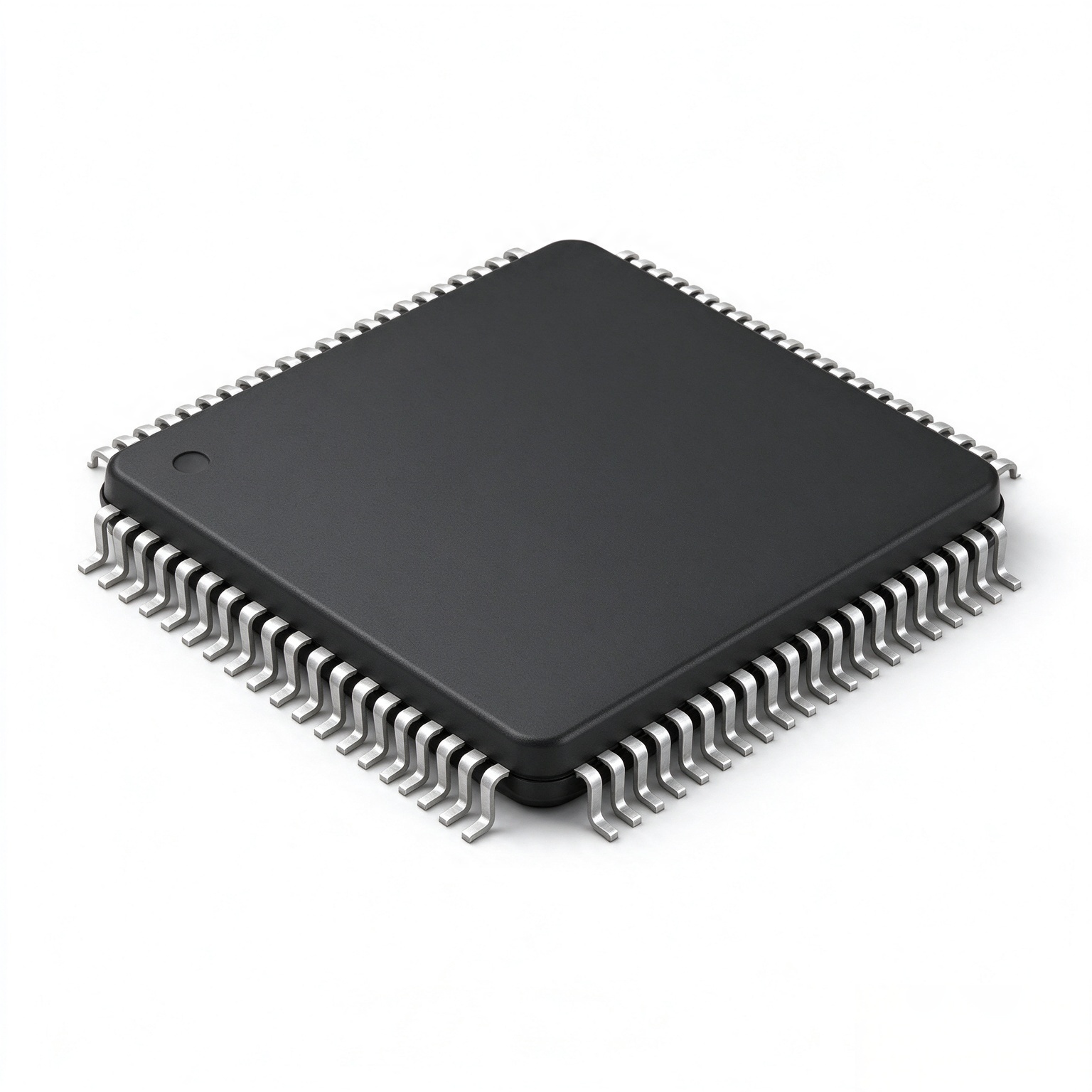
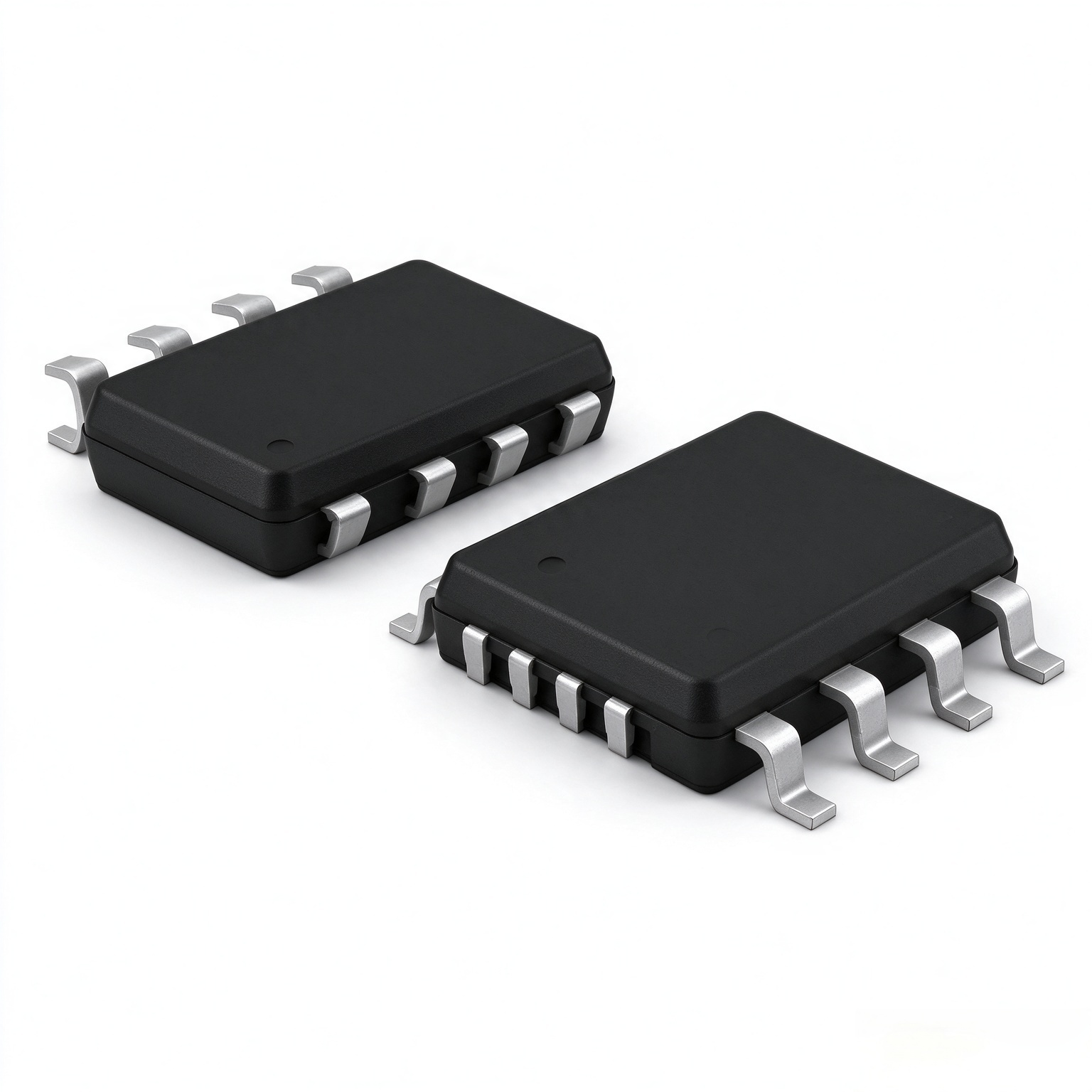
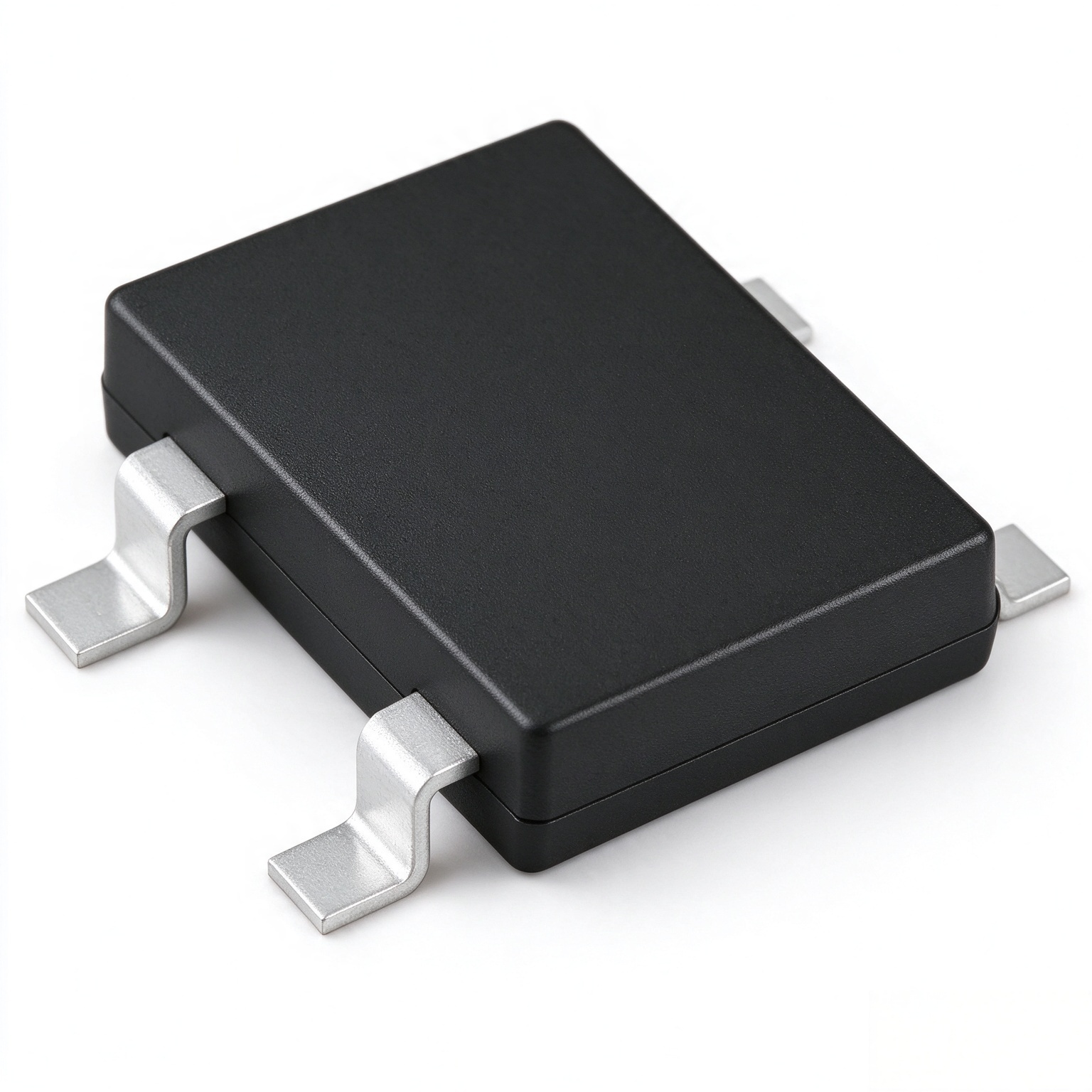
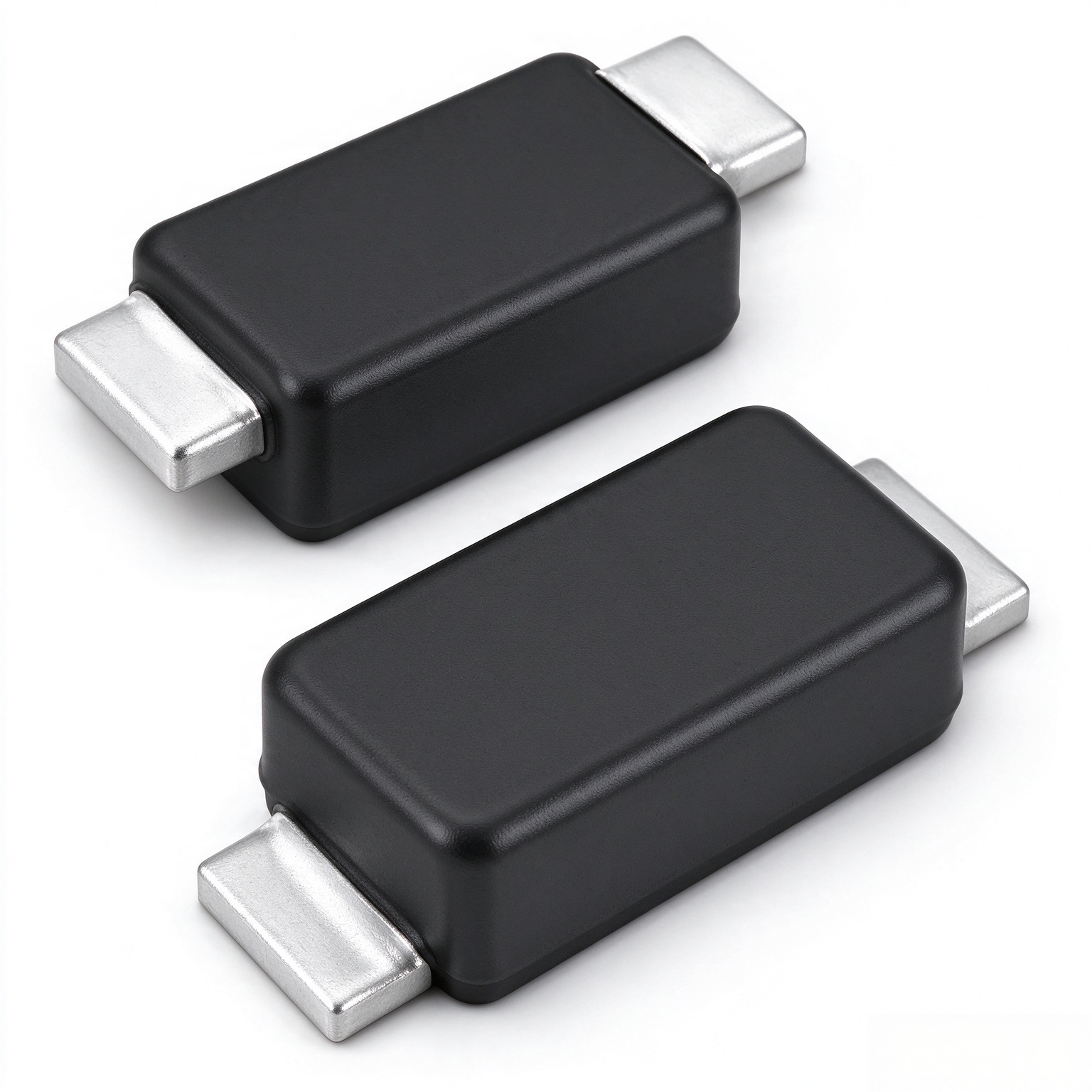
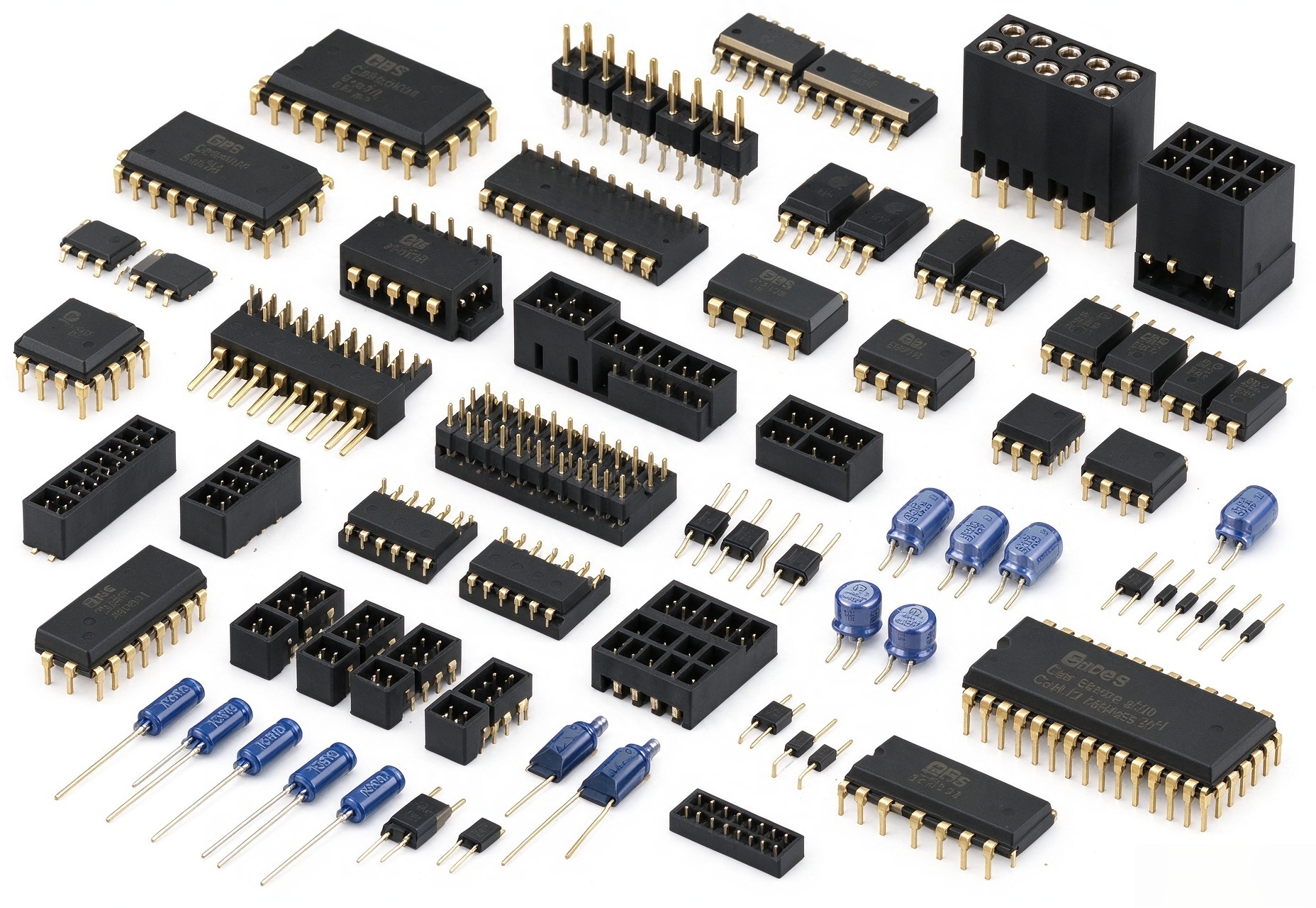
Our sourcing experts will find the parts others can't.

Prompt Responsiveness

Our team responds quickly to your requests and gets to work immediately to provide competitive pricing on hard-to-find electronic components.

DISCOVER MORE

Guaranteed Quality

Our quality-control processes guard against counterfeits while ensuring reliability and performance. If we can't get it, you don't want it.

HOW TO SPOT A FAKE

Global Access

Our worldwide network of trusted suppliers allows us to source and deliver the specific parts you need. BroadNova serves customers across America, Asia, and Europe.

LEARN MORE

Explore Our Electronic Components

BroadNova TV Adapter

BroadNova TV Adapter - Connect any HDMI device to your car's screen!

Stream your favorite content while enjoying the convenience of wireless CarPlay, mirror your phone, and enhance your driving experience.

BroadNova GPS Trackers

BroadNova GPS Trackers - Stay connected anywhere

Perfect for personal use, these trackers ensure your car, motorcycle, or personal belongings are always within reach.

BroadNova AI Boxes

BroadNova AI Boxes - Transform your infotainment system!

Enjoy wireless connectivity, Netflix, YouTube, and a seamless experience, all from your car.

Why Shop With Us

Fast Shipping

Get your products quickly, right to your door.

No Hassle Returns

Easy, stress-free returns on all orders.

Warranty

Peace of mind with a solid warranty on every item.

Top of the Line

Experience the best in high-quality, durable tech.

Frequently Asked Questions

We are here to help. If you are having any trouble with your device, do not hesitate to contact us at sales@broadnovahk.com. We'll get back to you ASAP. Or reach us via WhatsApp.
This issue arises during YouTube updates. To fix it:
  • Open YouTube on the device
  • Tap the three dots in the top right corner
  • Choose "Help and Feedback"
  • Tap the three dots again and select "View on Google Play Store"
  • Tap three dots → "Updates" → update YouTube
No, our Wireless CarPlay & Android Auto Adapters only convert Wired CarPlay/Android Auto into Wireless. A compatible Head Unit with Wired CarPlay is required for our adapters and AI Boxes.
Connect the adapter to a laptop USB socket or phone charger USB socket, then:
  • Connect to the adapter's WiFi using password "88888888"
  • On your iPhone, open Safari and go to 192.168.2.1
  • Scroll down and click "Update device"
Note: You need an iPhone with mobile data enabled to update the firmware.
When updating your device, connect to your adapter through WiFi using password: 88888888 (eight eights).
BroadNova Wireless CarPlay Adapters eliminate the need for a physical cable connection, providing more convenience and reducing clutter in your vehicle. Your iPhone will reconnect automatically to CarPlay as soon as your car is on, without taking your phone out of your pocket.
No, Android Auto and CarPlay are designed to minimize distractions, so they don't support watching videos while driving. Their primary focus is navigation, music, and communication. However, our AI Boxes allow you to watch Netflix and YouTube, and our AI Box Ultra lets you download apps from Google Play Store.
Yes, with our AI Boxes you can watch Netflix on the go. Wired CarPlay required.

BroadNova does not endorse or recommend the use of this product while driving. Our products are intended for use while parked or stationary. Most jurisdictions have laws prohibiting the viewing of video content while operating a vehicle.